EUAN HAM
euanham/writing/mizuya1.md
Overcoming CloudFlare challenges
January 3, 2026 | Mizuya API DevLog I
Welcome to the first devlog for Mizuya!
Motivation
I'm a bit performative. I love matcha. The picture of me on the home page is from 12 Matcha in SoHo, a luxury I don't have in Georgia. The 'good' matcha shops around me just serve sugar and milk. While a brand like Rocky's Matcha (it's amazing, I got it from a Black Friday sale) is usually in stock, it's not an affordable option.
The next best option is asking friends that go to Japan to get me matcha. Exhibit A is below: Hatoya matcha that my friend got me (thanks Sarah)!
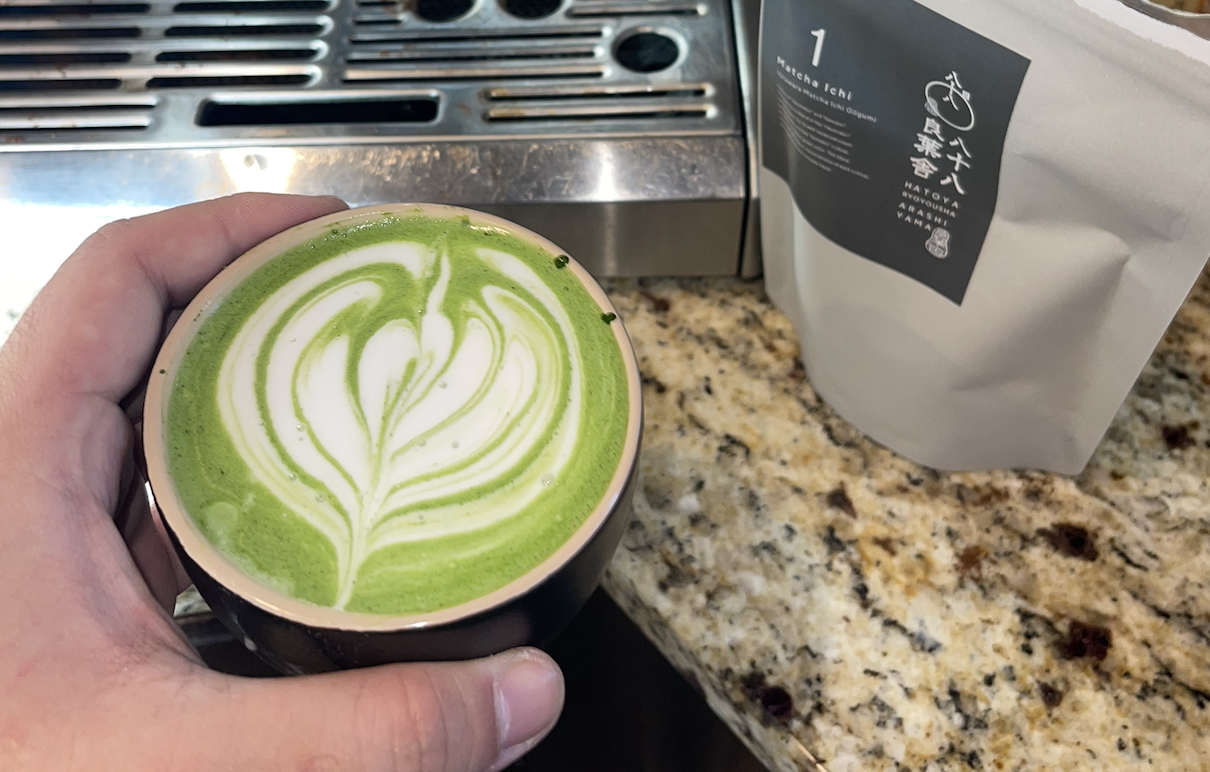
The issue with this though is that I don't want to annoy friends to beg them for matcha. I lucked out because Hatoya was near where my friend was staying, but this won't be the case for everyone. Also there's no guarantee that I'll even have a friend in Japan in any given season.
Intial scraping
Marukyu Koyamaen's Aorashi matcha product is known for being good, but accessible at ¥2,120 or about $13.50 for 40 grams as opposed to Rocky's cheapest Osada being $20.00 for 20 grams. But the matcha from this site is usually always sold out because of the surging popularity of matcha. So this is the first target.
On inspection, there's this p tag:
<p class="stock single-stock-status out-of-stock">This product is currently out of stock and unavailable.</p>
So I used this medium article using Beautiful Soup to scrape. But I only got disappointment (don't even attempt to read this):
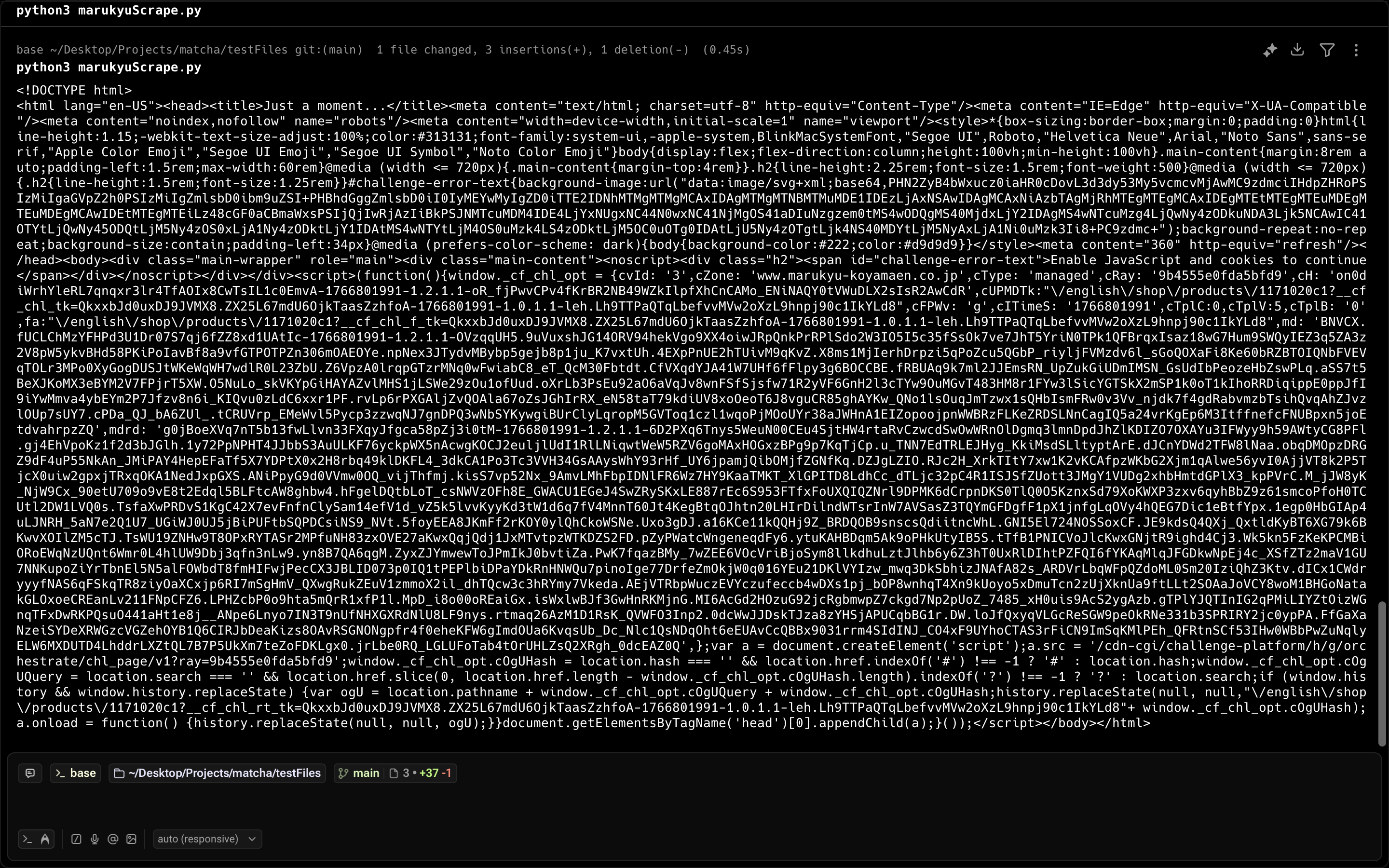
Turns out this is Cloudflare's challenge screen to prevent people like me from scraping the site.
So I pivoted to Playwright to actually interact with the browser. I configured the scraper to:
- not be headless
- use a realistic user-agent string
- have an abnormal viewport size
- utilize a sleep function to wait out the challenge screen
With this I got my first success!

AWS Challanges
While my approach works well on my computer, I need this to work with AWS Lambda to eventually use EventBridge to trigger the function and store it in some sort of database. Unfortunately using a Chromium browser approach with Playwright is really expensive in terms of storing on AWS. That would require me to pay just a little bit, but scaling up in both frequency and vendors can easily 5-20x the cost. So I need to find a cheaper solution.
I found about this Cloudscraper library that bypasses the Cloudflare challenge screen. It's relatively lightweight and easy to use. Now, scraping is basically the same as using Requests. The code below is what's used in my scraper.
scraper = cloudscraper.create_scraper()
url = "marukyu-koyamaen.co.jp/.../matcha/principal"
print(f"Visiting {url}")
response = scraper.get(url, timeout=10)
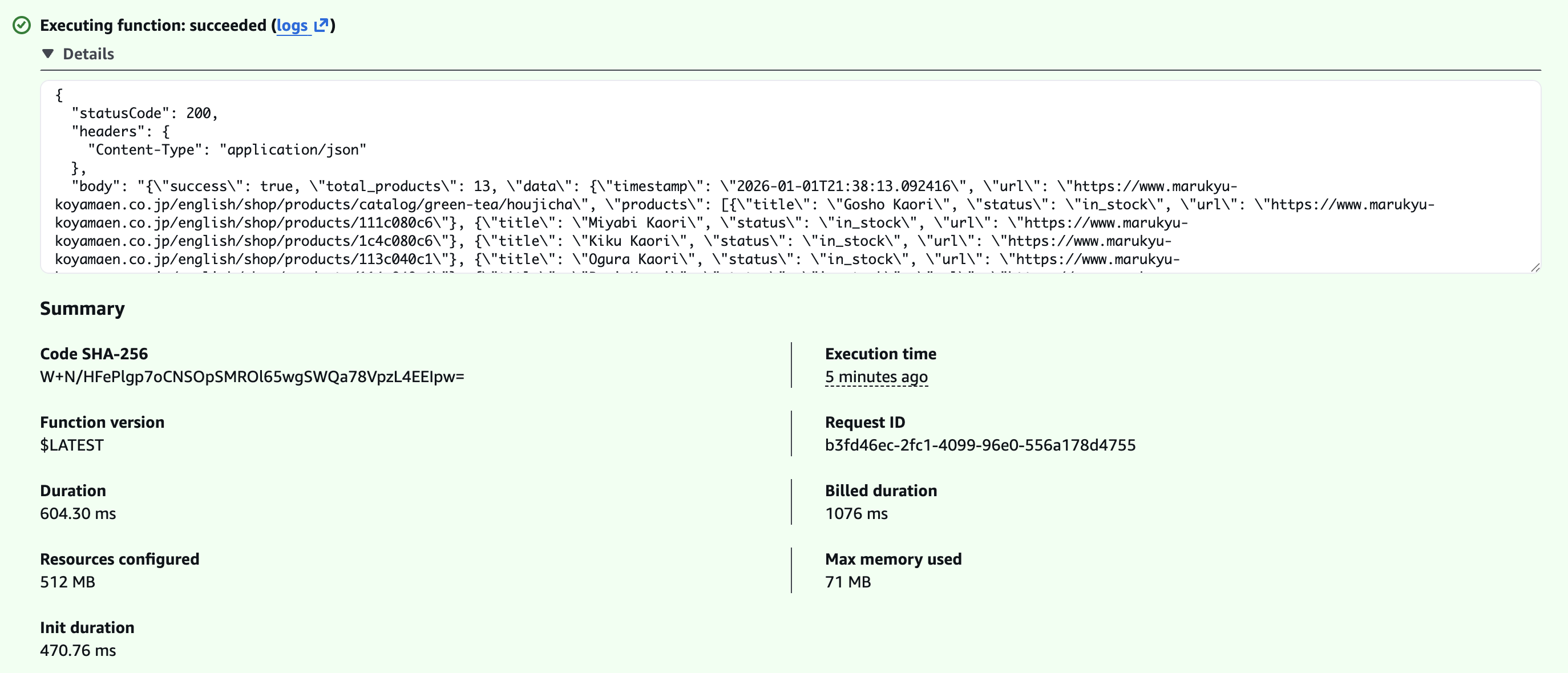
I tried this locally and it worked. I converted this to a Lambda function and wrote a small bash script to configure easily. We're now one step closer to trying Marukyu matcha!
Takeaways
- Don't reinvent the wheel if not necessary, there's probably a library you can use
- Considering cost implications is important when considering multiple solutions
Coming Soon
Now that I got this lambda function working, I need to think about how to store individual products and vendors in some sort of database. I'm currently choosing between two NoSQL databases: MongoDB and DynamoDB. Besides that I also need to figure out how EventBridge works in order to automatically trigger the scraping lambda function. After that I can just write API endpoints and I'll have bare minimum of the API completed.
Besides that, I'm also working with some friends to make a dashboard for this for people to look at the availability status for various matcha products. I'm not good at designing, so they got that weak point covered for me. With the dashboard, users should be able to put their email to be notified of when certain items are back in stock too. I'm aiming for the site to be up by February!
That's it for now! Check out the repo for the full implementation so far!